
A Fresh Little Text Editor For Windows
Basil is an intuitive text editor for Windows with optional AI assistance. It's clean, fast, open source, and free.
Windows 10/11 · Installer or portable · GPL-3.0
Features
Simple On The Surface, Capable Underneath
Built On Monaco
The same editor component that powers popular applications like VS Code.
Tabs For Every File
Powerful yet easy handling of multiple files with tabs.
Customizable Toolbar
Fully customizable toolbar, so you can make it just the way you want it.
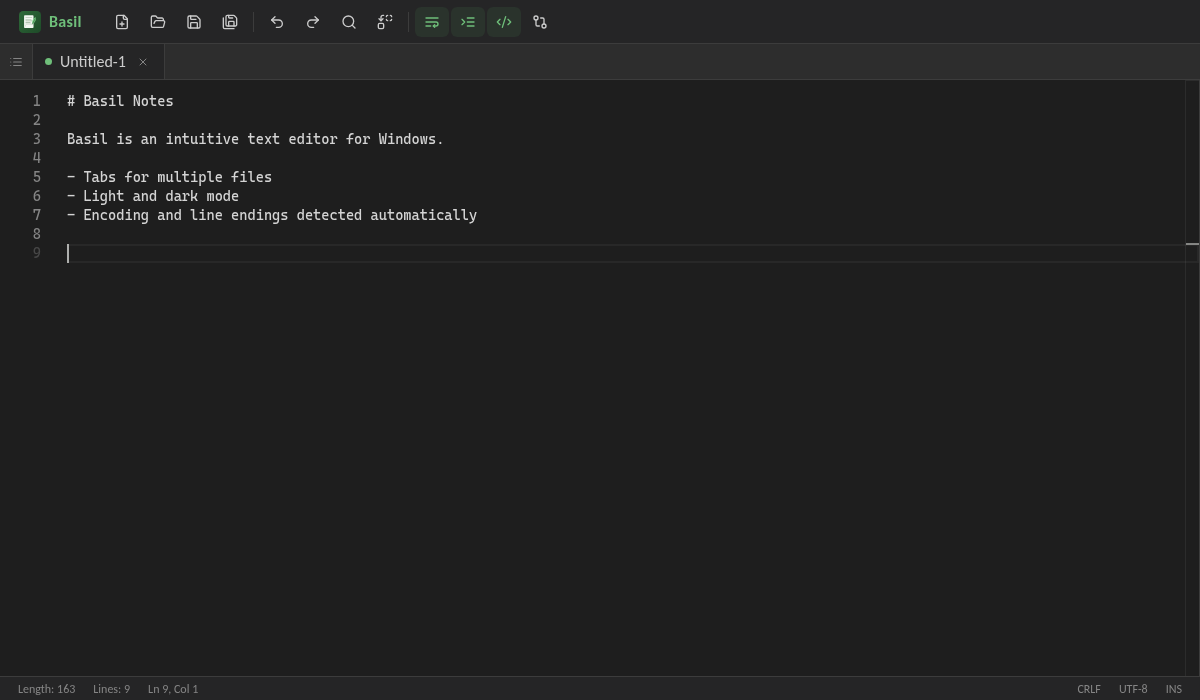
Light And Dark Mode
By default Basil follows your system preference, or you can pick a theme.
Smart Encoding
Automatically detects the correct encoding and line endings.
Git-Style Diff
Compare your current file to the original file state with a diff view.
Screenshots
Easy On The Eyes, Day Or Night
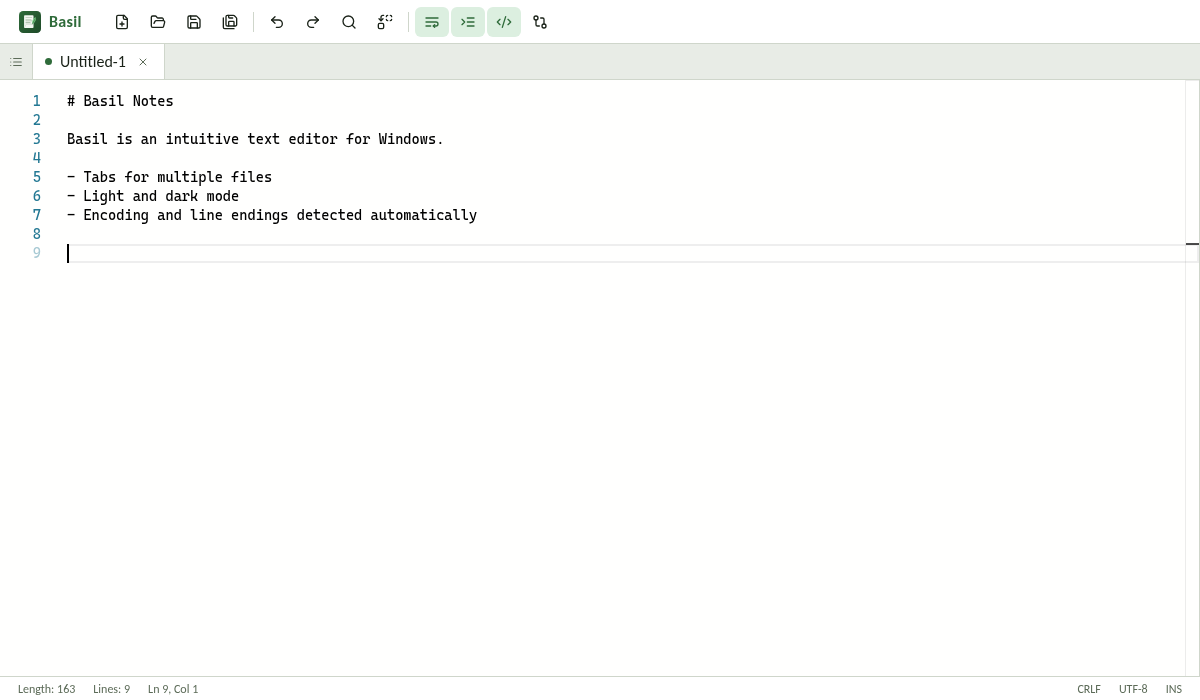
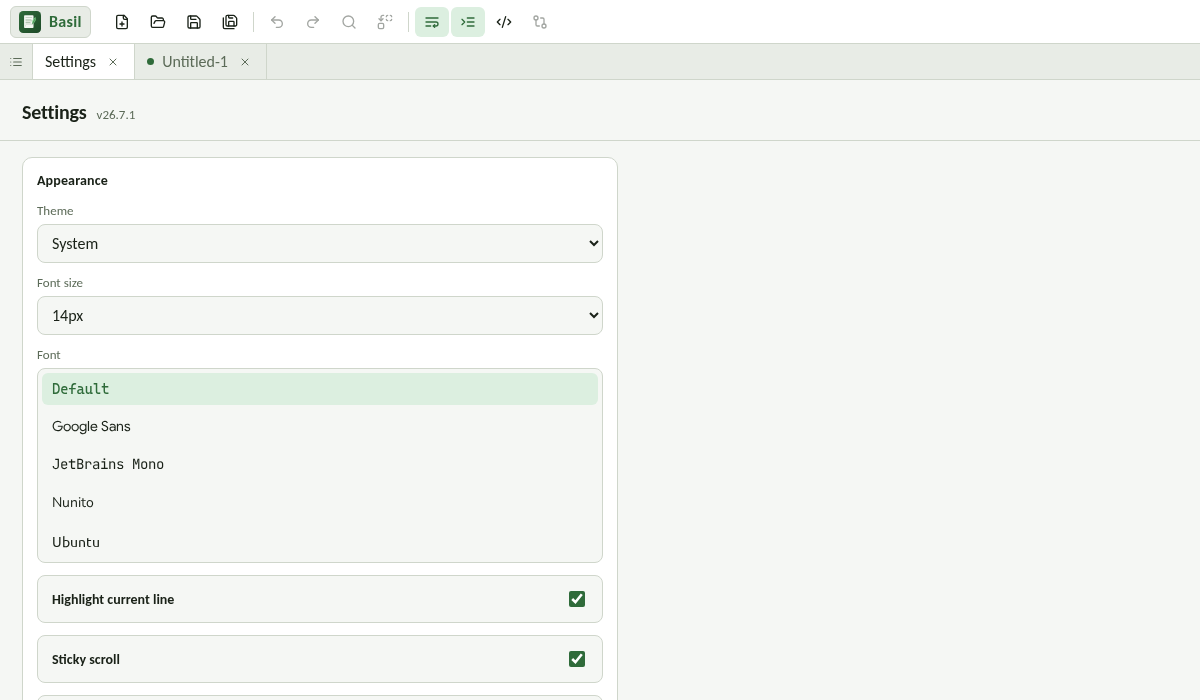
Tip: click the Basil logo in the toolbar to open Settings and more features.
Optional AI
AI That Reads, Never Writes
AI features are off until you turn them on. When enabled, each file gets its own AI context that can help you. They're designed to be read-only, so you always stay in complete control of your text.
Basil works with any OpenAI API-compatible provider or service, including LM Studio, LmPanel, OpenRouter, and xAI. Your API key is encrypted with the Windows credential store (DPAPI).
http://localhost:1234/v1https://api.x.ai/v1whatever you setKeyboard
Shortcuts You Already Know
Get Started
Pick Your Flavor
Versions are numbered by year, month, then build. Grab the latest from the releases page.
Installer
Basil-<version>-setup.exe adds conveniences like the "Open with Basil" context menu and system tray persistence.
Open Source, GPL-3.0
Basil is free software under the GNU General Public License v3.0. Built with Monaco Editor (MIT), Lucide icons (ISC), and Electron (MIT).